


Some links on this site are affiliate links. When they exist, we use them. When they don't, we don't go looking. We only write about tools we've actually used, and our opinions are our own. Any commission is incidental. Our job is to share what we think is useful.
Video content from events often contains countless moments of potential value, but finding and packaging them for social media has traditionally been a resource-intensive process. Opus Clip addresses this challenge through its AI-powered approach to identifying and extracting the most engaging segments from long-form video content.
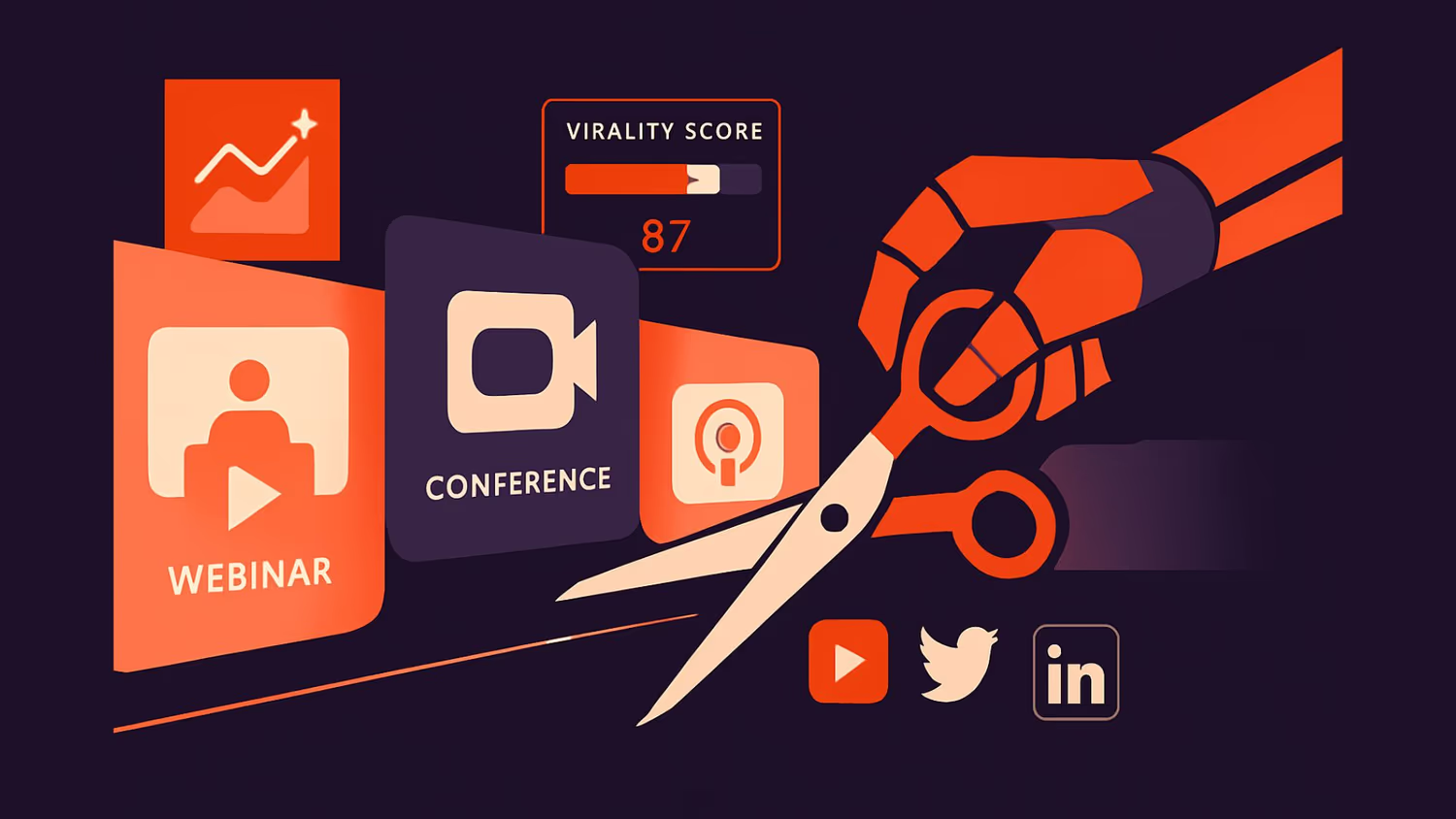
What makes this platform particularly interesting is its predictive scoring system, which analyses potential clips against patterns found in successful social media content to forecast their likelihood of resonating with audiences.
The platform's strategic value becomes apparent in how it transforms event content, whether from webinars, conference sessions, or keynotes, into a pipeline of social-ready assets.
Rather than merely splitting videos into shorter segments, Opus Clip employs sophisticated AI to evaluate factors such as speech dynamics, visual transitions, and current social trends. This intelligence-driven approach enables teams to focus their distribution efforts on clips with the highest potential impact. Additionally, they now have built-in scheduling capabilities that streamline the journey from content discovery to social media deployment.
Although there isn't an official Make.com integration, the available API and community solutions offer flexibility for teams seeking to automate their content repurposing processes.
Key Advantages
- Transforms long videos into engaging short clips with minimal manual effort
- Predicts which clips are most likely to capture attention and drive engagement
- Saves time by automating the creation and distribution of content across social channels
- Speeds up content repurposing, making event coverage and updates more efficient
Viral Moment Detection from Events
When live streaming multi-speaker conference panels, Opus Clip's AI analyses the content, identifying high-impact moments and automatically generating social shorts with viral potential. Event teams can now share compelling clips within minutes of key moments occurring, dramatically increasing social engagement whilst the conversation is still relevant.
Automated short-form assets from webinars, etc.
Marketing teams managing dozens of webinars can leverage Opus Clip to automatically generate a library of short-form video assets, with each clip scored for viral potential. By connecting Opus Clip's API to their content management system, teams can build a sustainable pipeline of social content that maintains engagement long after the live event ends.
Multi-Platform Event Amplification
Conference organisers can transform lengthy keynote presentations into a series of platform-optimised social videos, with Opus Clip handling aspect-ratio adjustments and adding auto-generated captions. The platform's scheduling features ensure a steady drumbeat of content across social channels, extending the reach and lifetime value of event content whilst maintaining consistent branding.
Strategic Content Prioritisation
Content strategists can utilise Opus Clip's predictive scoring to identify which segments of their event recordings are most likely to resonate with their target audiences. This data-driven approach enables teams to focus their promotional efforts on the most impactful moments, resulting in significantly improved social media engagement rates and reduced time spent on manual content selection.
Other Tips
Plan for manual polish time, while Opus Clip is good at quickly identifying clip-worthy moments, the AI often cuts at awkward narrative points or produces rough jump cuts. You will need to set aside time for cleanup in a traditional editor if you need professional-quality results.
Check audio sync; we have noticed that at times, the audio and video sync can be a fraction off. It is worth spot-checking the outputs occasionally.
Test XML exports thoroughly before scaling. While the XML export feature sounds great for automation workflows, however, missing files and broken references have been reported. Validate your export pipeline with smaller batches before committing to large-scale processing.
Use custom prompts to guide the AI. You can and should use the "Copilot" feature to prompt the AI to focus on specific topics or keywords; it really improves relevance compared to letting it run unsupervised. This is especially relevant if you are producing niche content where context matters.
Double-check auto-generated elements, especially the B-roll. This is a new feature, and it can be surprisingly off-target; it may improve in time, especially with accents or technical content. You should do a review when using those, as it can save you from publishing clips with embarrassing caption errors or irrelevant background footage.